NVIDIA DLSS 4.5 Ray Reconstruction Is Out Now, Free for Every GeForce RTX GPU
A new second-generation transformer model replaces the year-old Ray Reconstruction denoiser, live now in 30 games through the NVIDIA app's Early Access channel.
NVIDIA used its Gamescom 2026 GeForce showcase to release DLSS 4.5 Ray Reconstruction, the last major piece of this year's DLSS 4.5 rollout. It's available immediately, free, on every GeForce RTX GPU going back to the RTX 20 series — no new hardware required, just an NVIDIA app update.
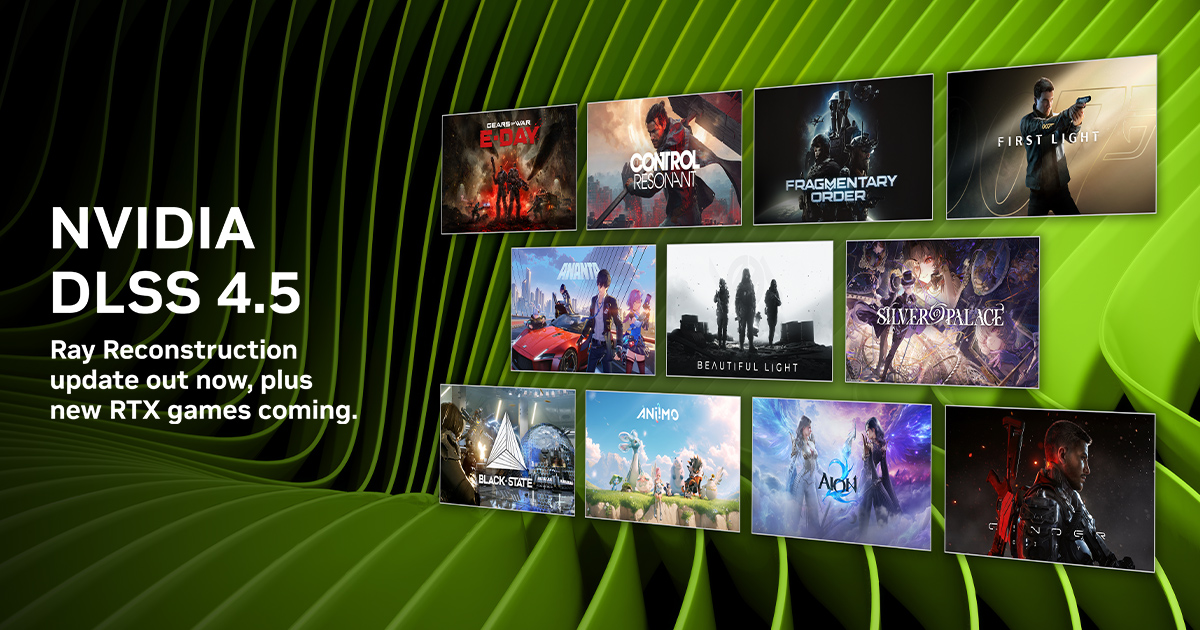
Image via NVIDIA
Ray Reconstruction replaces a game's built-in denoiser with an NVIDIA-trained AI model, cleaning up the noisy, undersampled pixels that ray-traced and path-traced lighting leaves behind. DLSS 4.5 moves that job to a new second-generation transformer model, which NVIDIA says delivers 35% more compute capability and processes 20% more parameters than the previous model, while running at similar performance. It's trained on a larger dataset and gives developers finer control over temporal accumulation — in plain terms, better handling of motion, so reflections and lighting hold together as the camera moves instead of shimmering or leaving ghost trails behind fast-moving objects.
This is an Early Access release for now — a wider, stable rollout follows in September. To get it today: open the NVIDIA app, go to Settings > About, and opt in to Early Access releases. You'll also need GeForce Game Ready Driver 580.88 WHQL or newer. From there, open a supported game's Graphics settings (or use Global Settings to apply it library-wide), go to Driver Settings > DLSS Override – Model Presets, click Custom, and set Ray Reconstruction to "Recommended" or "Preset F."
At launch, the override works in 30 games, including Cyberpunk 2077, Alan Wake 2, DOOM: The Dark Ages, Hogwarts Legacy, Marvel's Spider-Man 2, and NARAKA: BLADEPOINT. Several more titles are picking it up through their own official updates rather than the override, including a September 15 path-tracing update for 007 First Light.
Ray Reconstruction only matters if a game is already using ray tracing or path tracing — it doesn't do anything in games running purely rasterized lighting. If you're not sure whether it's worth turning on for your setup, it's worth checking our FPS Calculator for how your specific GPU handles ray tracing in the games you actually play before chasing every new DLSS setting.